Users are increasingly seeking a comprehensive solution that empowers them with real-time monitoring capabilities and precise tracking functionalities for inverter power usage.
As the demand for renewable energy sources continues to surge, individuals, businesses, and organizations are recognizing the significance of efficiently harnessing and managing solar energy through inverters.
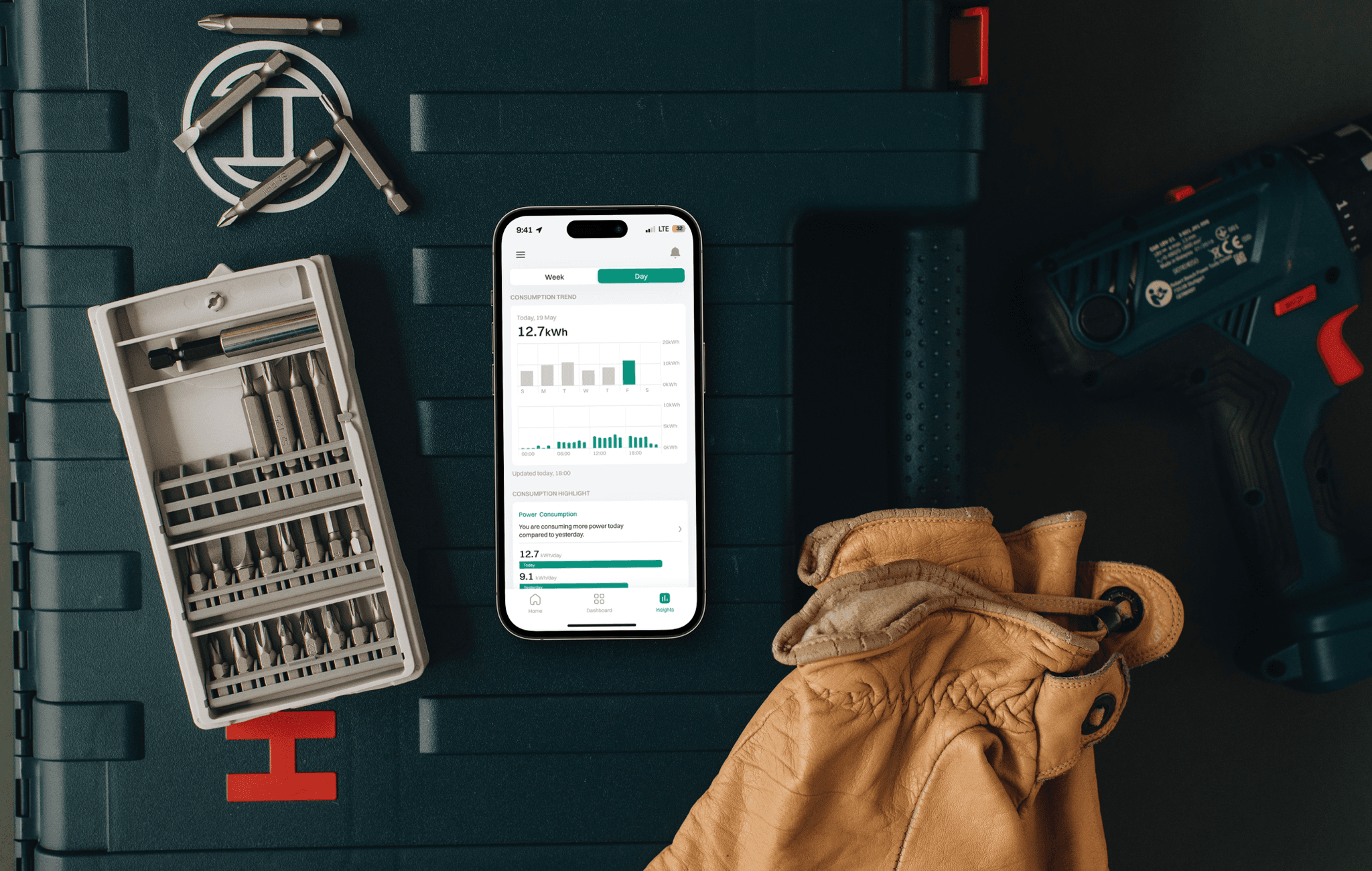
An app that addresses the critical challenges users face in monitoring and controlling users solar panel systems by providing comprehensive battery information, detailed power consumption insights, and actionable recommendations for optimizing system performance.
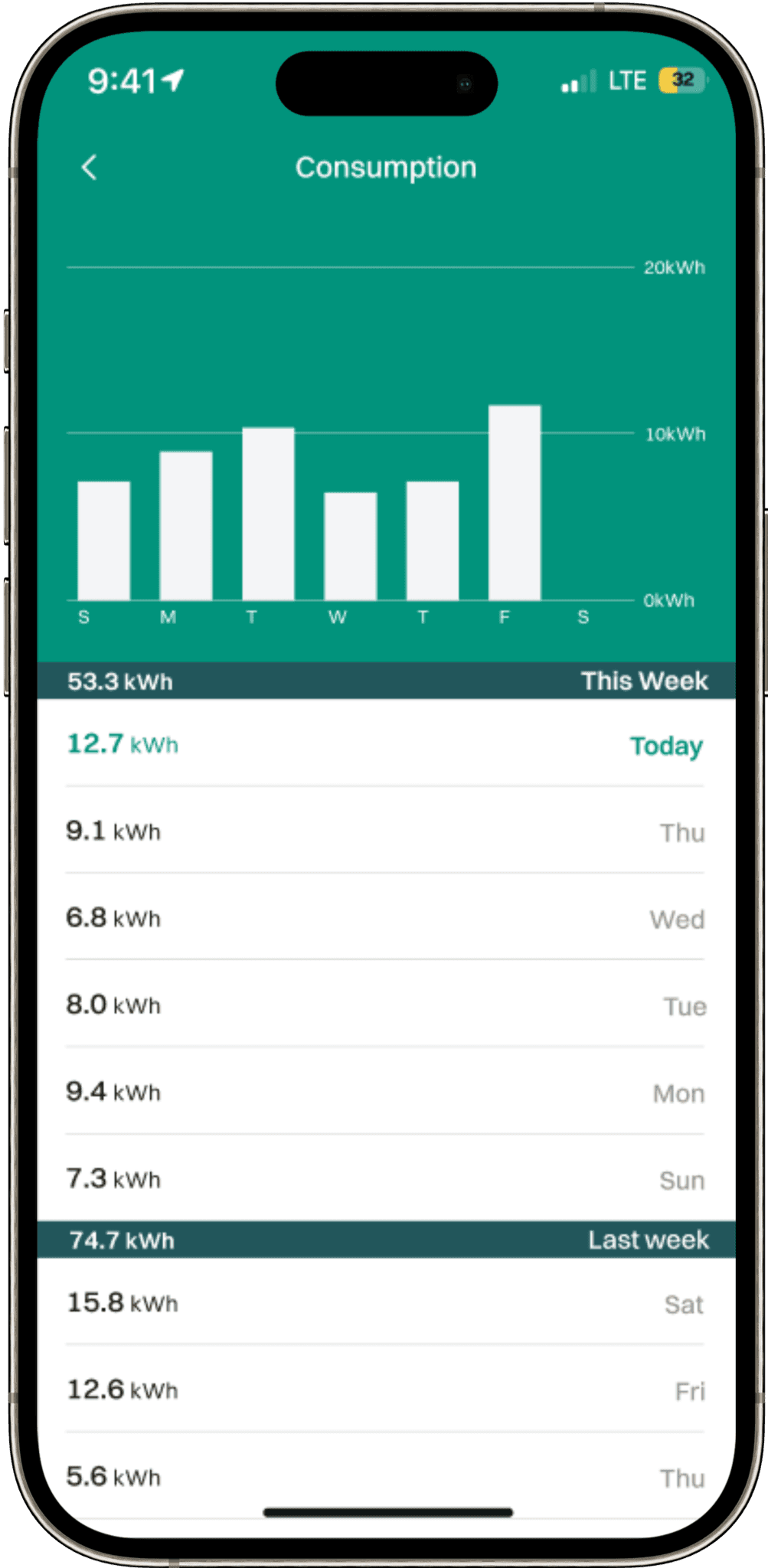
The app offers real-time monitoring of battery status, including charge level, discharge rates, and overall health, empowering users to make informed decisions about user’s energy consumption.
With the app in their toolkit, users can confidently embark on their journey towards efficient and sustainable energy management.
KEY USER PAINPOINTS
PLATFORM FOR REAL-TIME MONITORING
During the interviews, potential users conveyed a sense of disappointment and frustration with the lack of applications provided by solar inverter companies to monitor and track their solar inverters.
UX PREFERENCES
Users highlighted their dissatisfaction with the few applications that were available, noting that they often offered a poor user experience (UX). They described difficulties in navigating the applications, interpreting the data provided about their solar energy systems.
REMOTE CONTROL CAPABILITIES
Users also expressing a desire for remote control capabilities of their solar inverter represents another significant pain point. Being able to turn on and off their solar inverter from anywhere, even when they're not physically present in the building, is crucial for making timely decisions regarding their energy usage.
COMPETITIVE
ANAYLSIS
I analyzed competitors like Tesla Solar App, SolarEdge Monitoring, and Sense to understand their offerings in the market and observed a pattern of common and crucial features, as well as identified distinctive limitations that set the app apart.

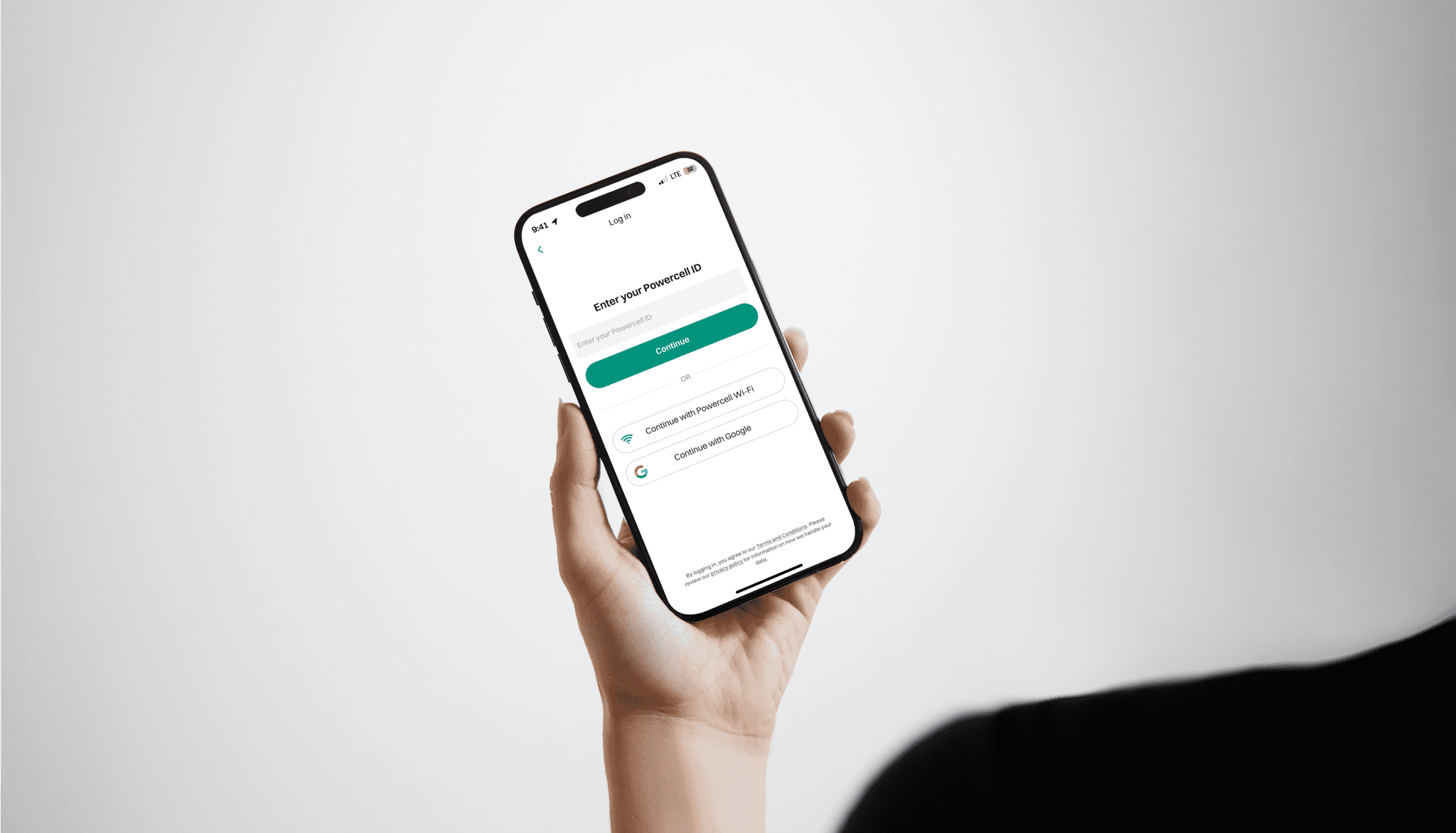
I delve into how the Powercore application redefines the sign-up process, ensuring a smooth and swift experience for users.
By prioritizing simplicity and clarity, I made sure to minimize the time users spend on signing up, allowing them to swiftly access the app's powerful features and functionalities.
ADDRESSING
THE KEY
FUNCTIONALITIES
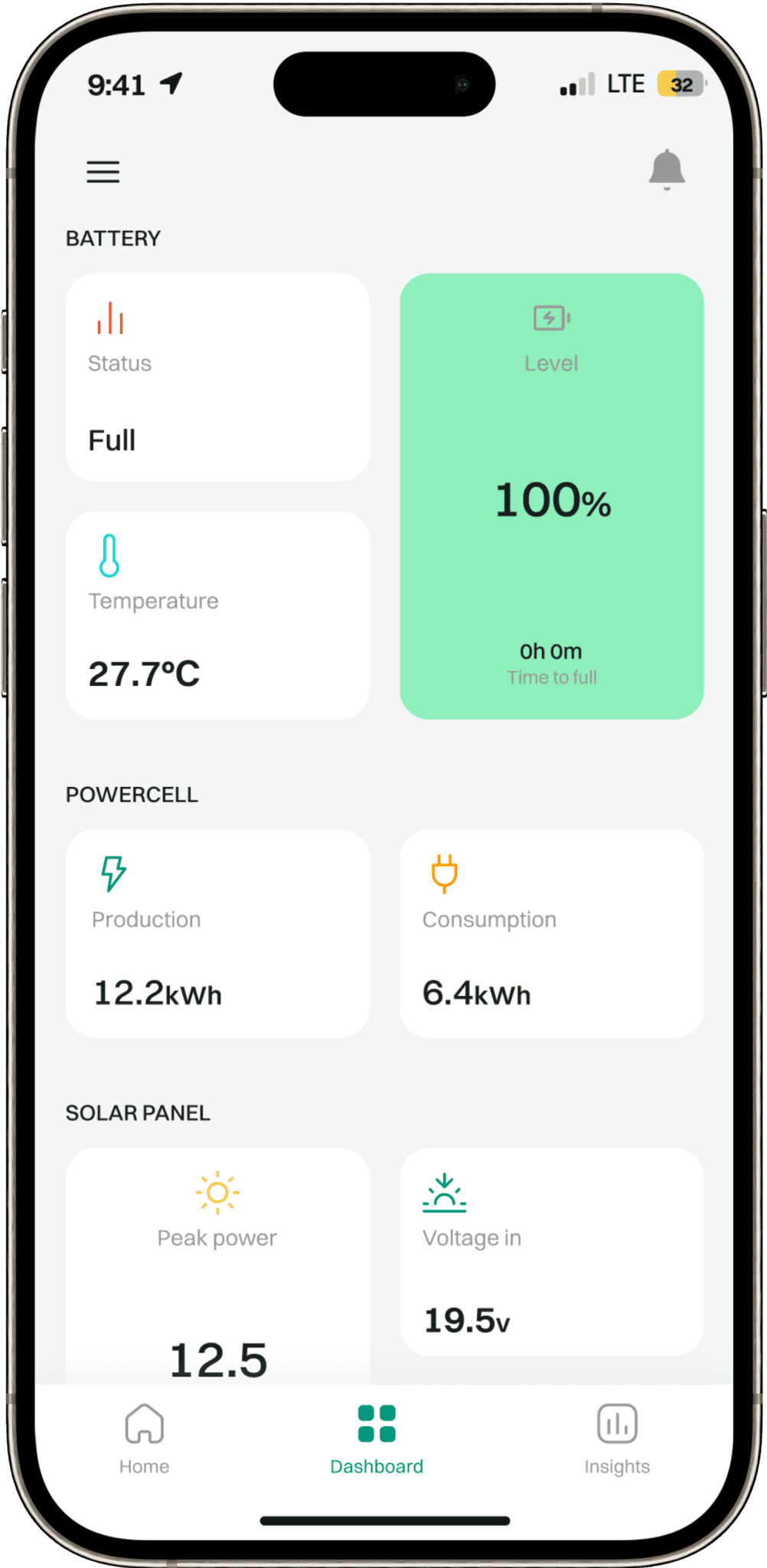
Addressing the critical challenges users may face in monitoring and controlling their solar panel systems is paramount to ensuring efficient and sustainable energy management.
The app is designed to provide comprehensive solutions to these challenges, offering users access to essential features that empower them to optimize their solar energy usage effectively.
From comprehensive battery information to detailed power consumption insights, our app empowers users to manage their energy usage more effectively, leading to greater efficiency


INFORMATION
ARCHITECTURE
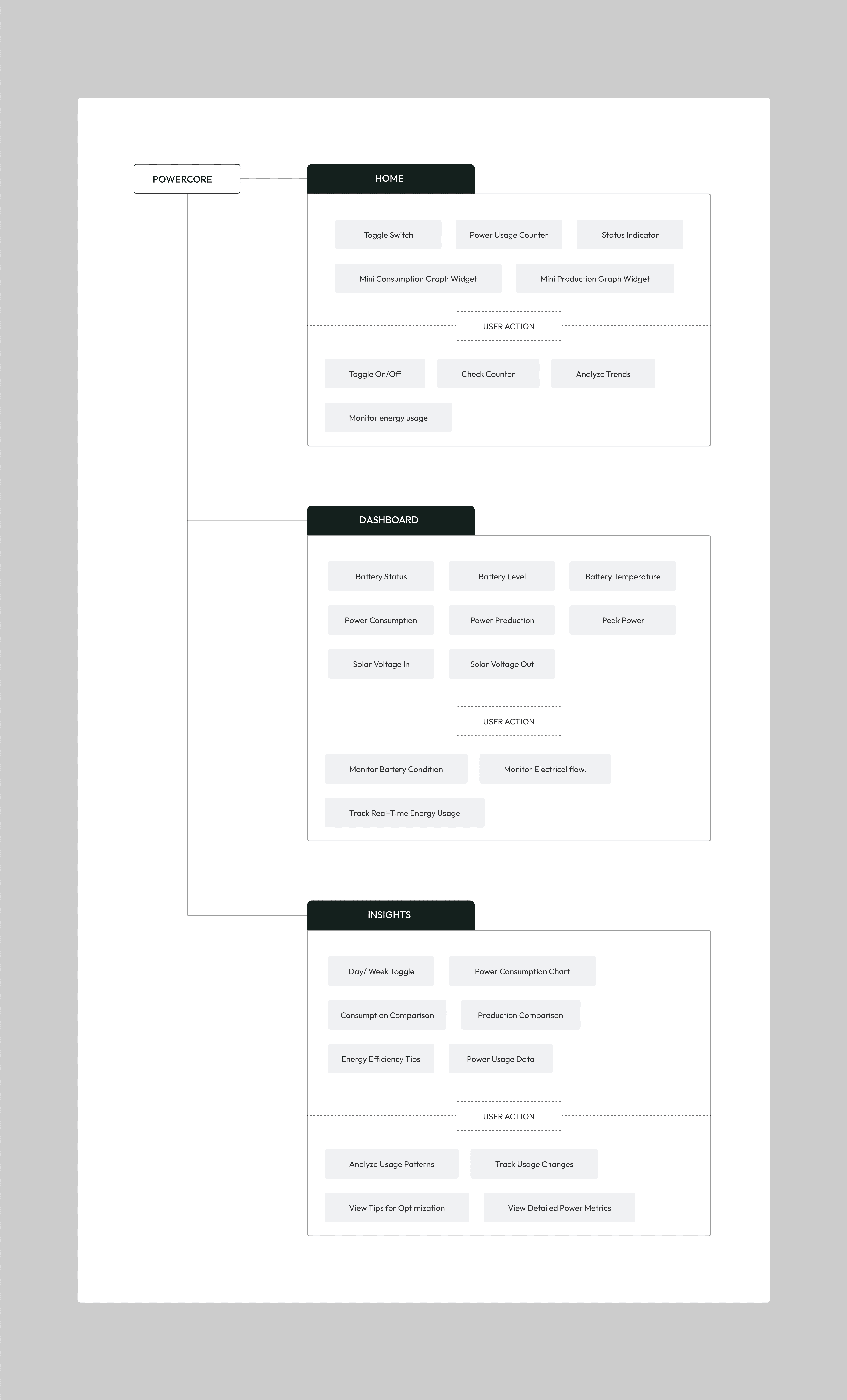
The app prioritizes the presentation of essential information in a clear, intuitive, and user-friendly manner to ensure that users can quickly access the data they need to manage their solar energy effectively.
Displaying key information is crucial for enhancing the user experience (UX) of any application, especially when it comes to monitoring and controlling solar panel systems.
KEY DESIGN CHALLENGE
- TOGGLE SWITCH
The app prioritizes the presentation of essential information in a clear, intuitive, and user-friendly manner to ensure that users can quickly access the data they need to manage their solar energy effectively.
Displaying key information is crucial for enhancing the user experience (UX) of any application, especially when it comes to monitoring and controlling solar panel systems.
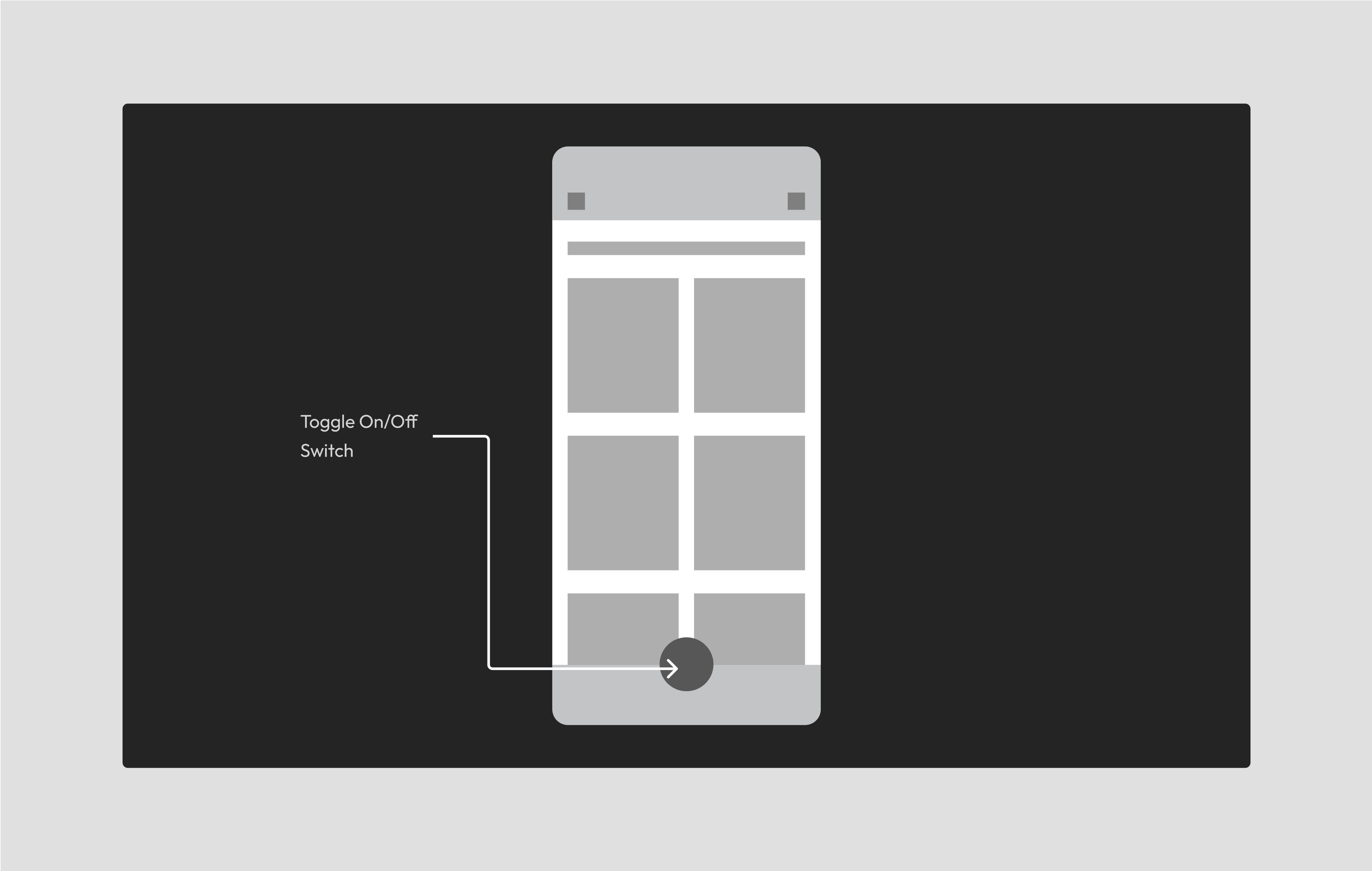
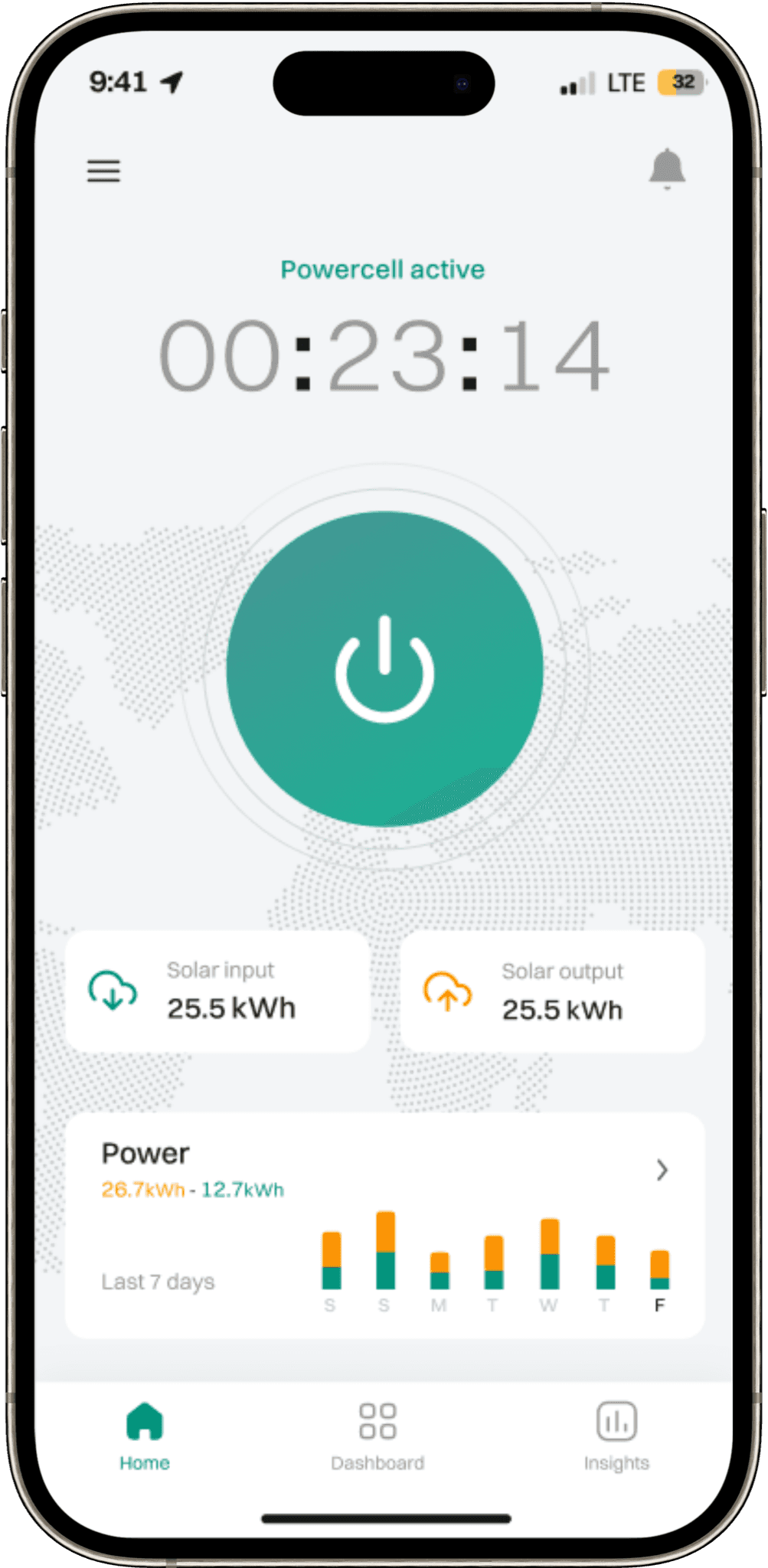
Exploring the placement of the switch toggle button within the "home" section offers users immediate access to control and monitor their solar energy system as soon as they enter the app.

Pros 👍
Immediate control on the home screen.
Intuitively aligned with user expectations.
Minimizes steps for essential actions.
Users can quickly spot the button on the home screen.
Cons 👎
Risks being overlooked in a crowded home section.
Occupies space that could be used for other information.
Option selected due to an overall improvement in app usability, catering to user expectations and facilitating a more intuitive and accessible navigation experience.
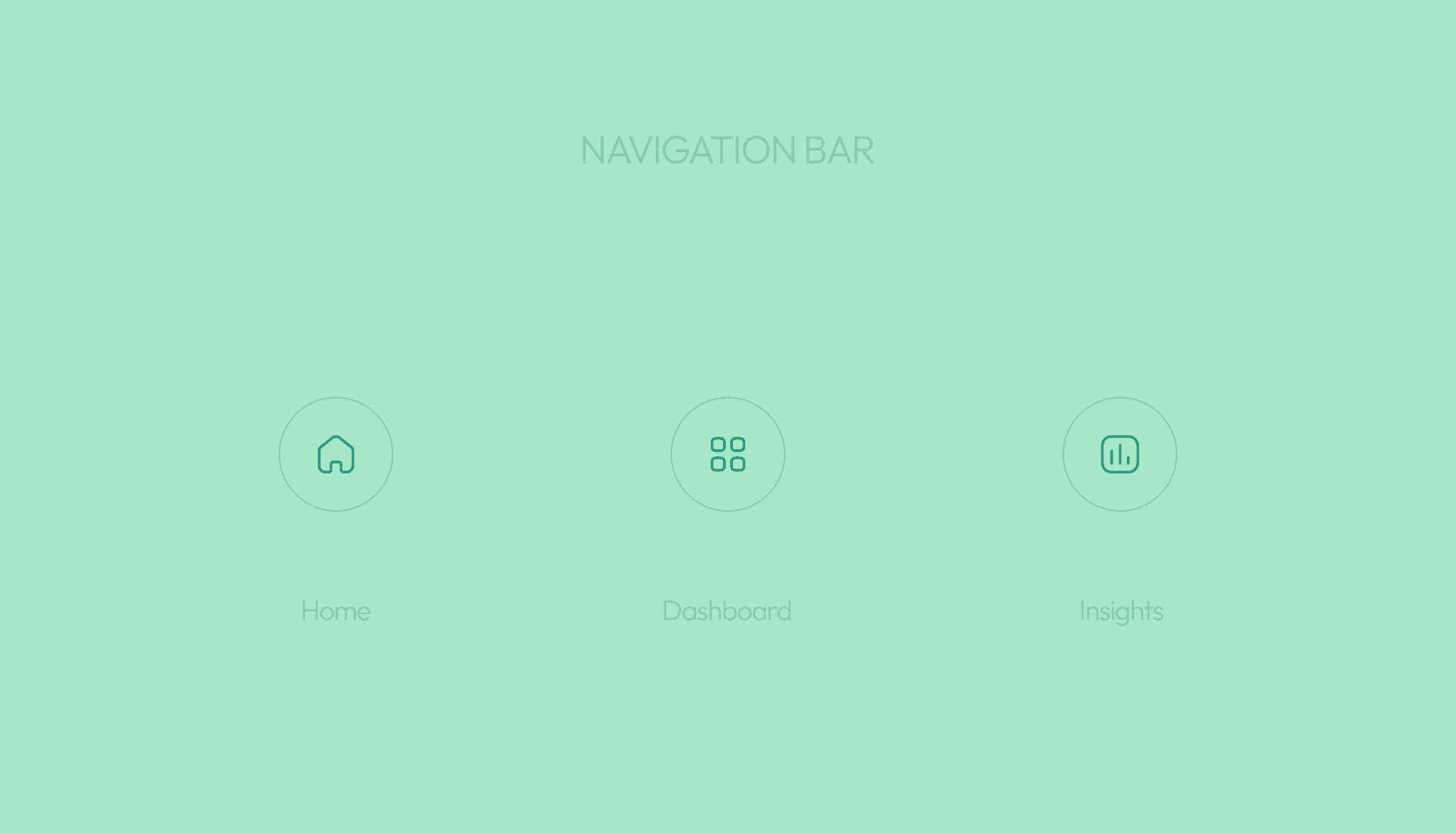
Integrating the switch toggle button within the navigation bar enhances accessibility, providing users with a consistent and easily reachable control option.
Pros 👍
Easy to locate for users familiar with navigation bars.
Users know where to find controls, minimizing confusion.
Cons 👎
Competes with other navigation icons making the navigation bar overcrowded
New users might not immediately identify its purpose.
Users might mistake it for a different navigation function.
Option discarded due to potential disruption in user experience, inconsistent design, and limited scalability for additional features.
Positioned as a floating button, it remains accessible across different app screens, allowing users to control their solar energy system with a single tap, regardless of their location within the app.

Pros 👍
Quick access without navigating to specific sections.
Easily reachable with one-handed use.
Cons 👎
Users unfamiliar with FABs may need time to adapt.
Some users may find it visually disruptive.
Differs from standard navigation conventions.
Floats over content, affecting overall visibility.
Option discarded due to cluttering in the navigation bar, which may result in reduced usability and a less streamlined user experience.
CREATING A SEAMLESS
EXPERIENCE
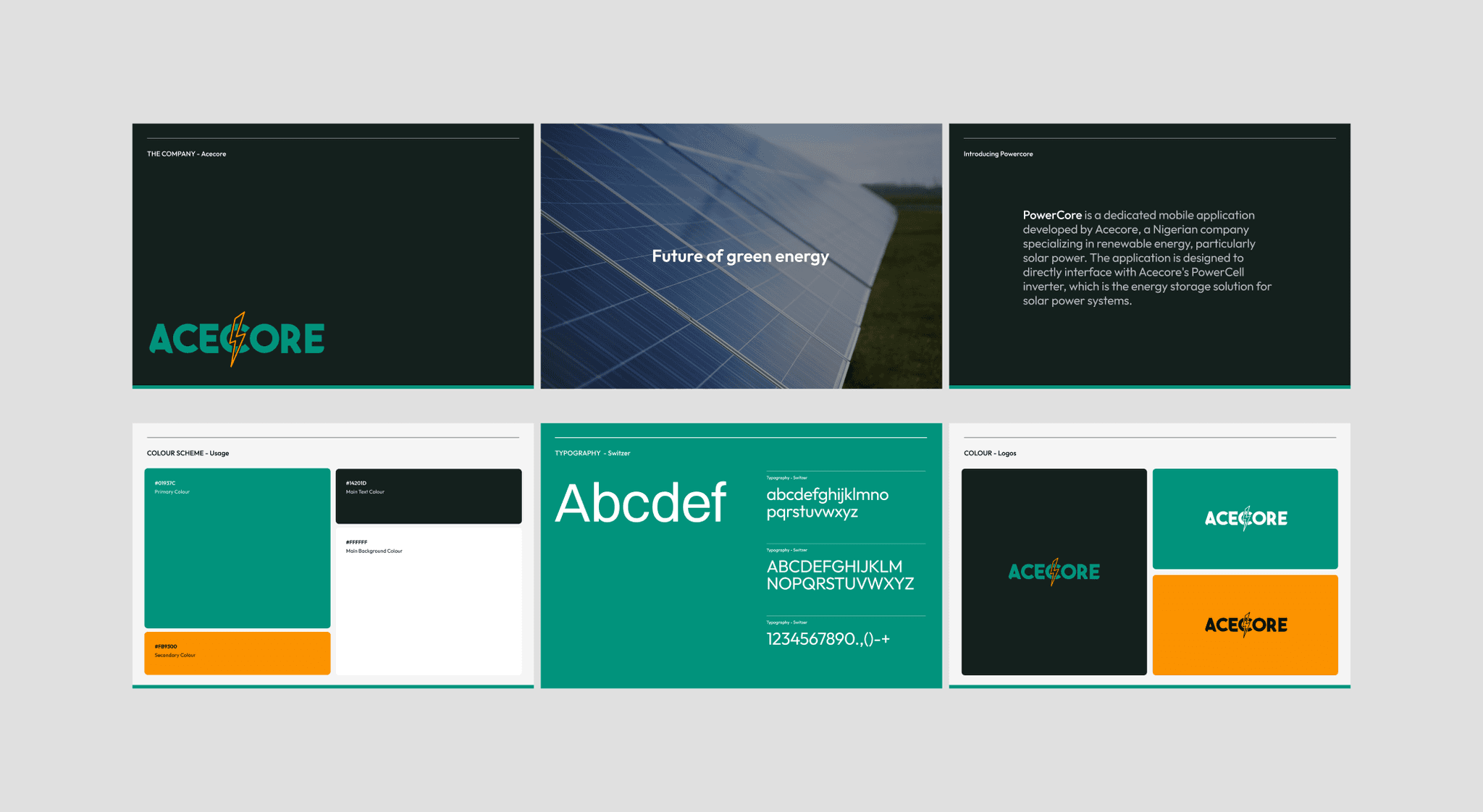
In this project, the design language was carefully tailored for mobile devices, effectively addressing both user needs and company objectives. The "Switzer" font and brand colors (#01937C and #FB9300) were chosen to maintain a cohesive identity throughout the application.
I created essential components and variants to ensure consistency across screens and transitions, streamlining the design process. .
By leveraging design elements and guidelines, I developed a visually appealing and user-centric mobile application that effectively addressed user pain points while aligning with the company's goals.






VORTEX
E-Commerce Website, UX Casestudy, Sneakers

© 2024 ALVN. All Right Reserved.